
Upload a Single Photo of Your Car
Open Photoshoot mode and upload one clear photo of your vehicle, or pick it from a vehicle set. A three-quarter or side-on shot with the whole car visible gives the model the most to work with.
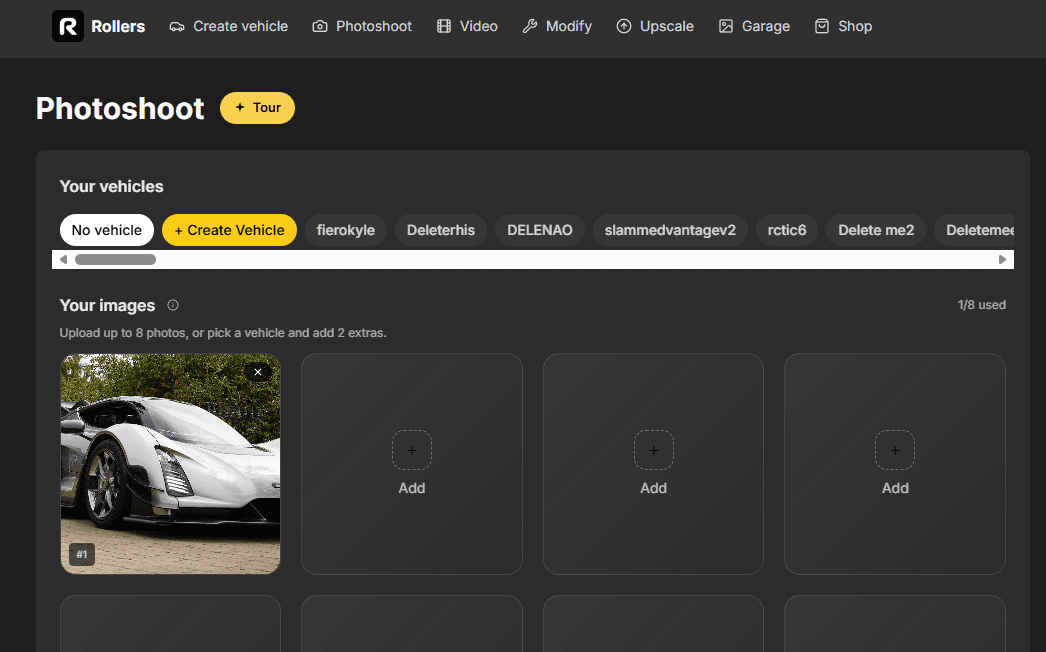
One photo, one template. Your car keeps its paint, its face and its wheels — and gets a tiny Japanese flatbed bolted on behind the cab.
Open Photoshoot mode and upload one clear photo of your vehicle, or pick it from a vehicle set. A three-quarter or side-on shot with the whole car visible gives the model the most to work with.
Open the template gallery and pick the Kei Truck template. It keeps your car's identity — paint, badges, wheels, stance — and rebuilds it on a tiny Japanese kei-class flatbed.
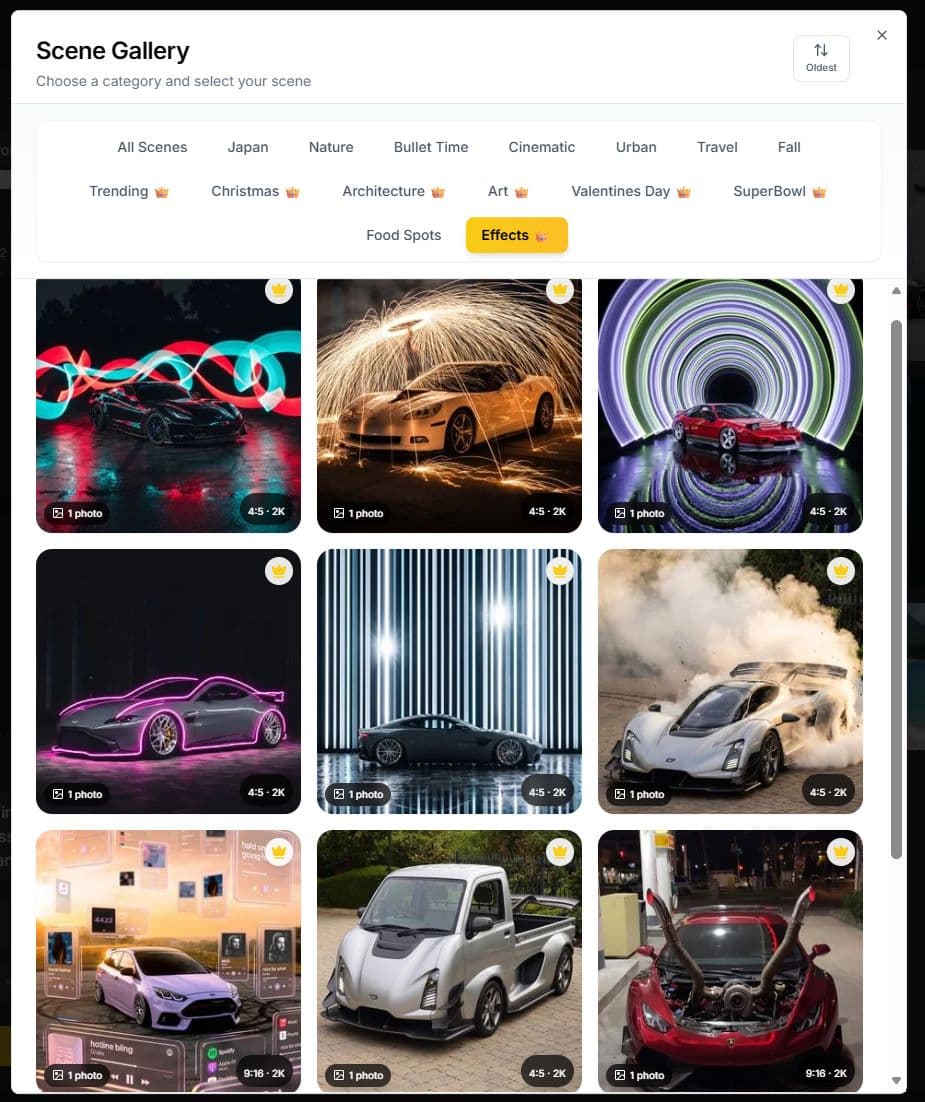
Hit Generate and give it a moment. Run it a couple of times — the proportions land differently on each pass, and the keeper is usually the one where the bed and cab read properly kei-sized next to the wheels.
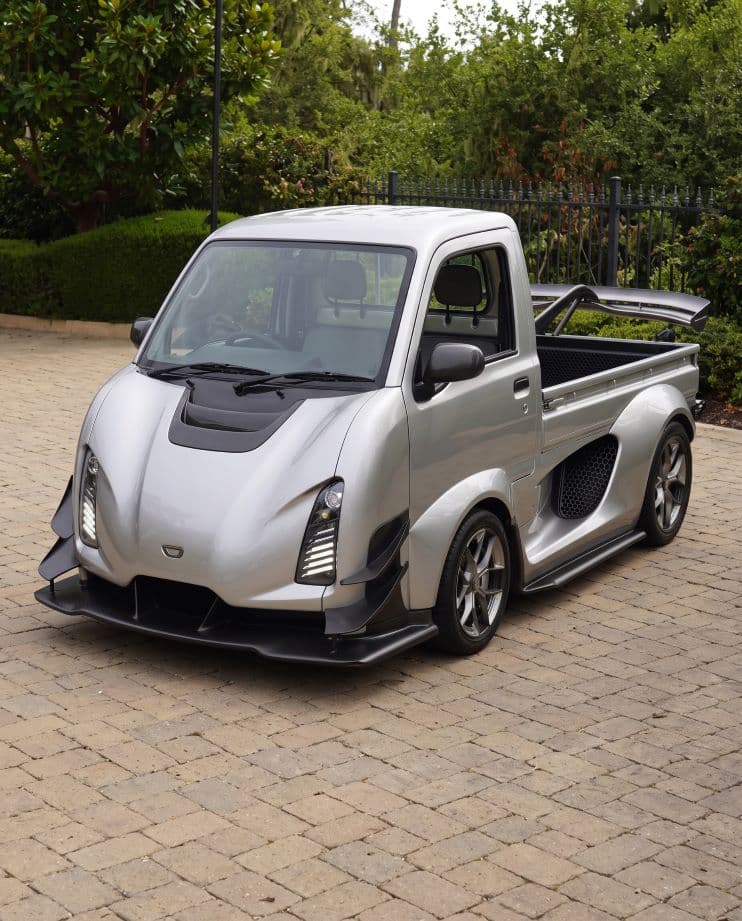
Upload one photo, pick the template, generate.
Explore other ways to create with Rollers.