
Open Rollers in Photoshoot Mode
Start in Photoshoot mode — on the web, or in the iOS and Android apps. All three work the same way from here, so use whichever you have to hand.
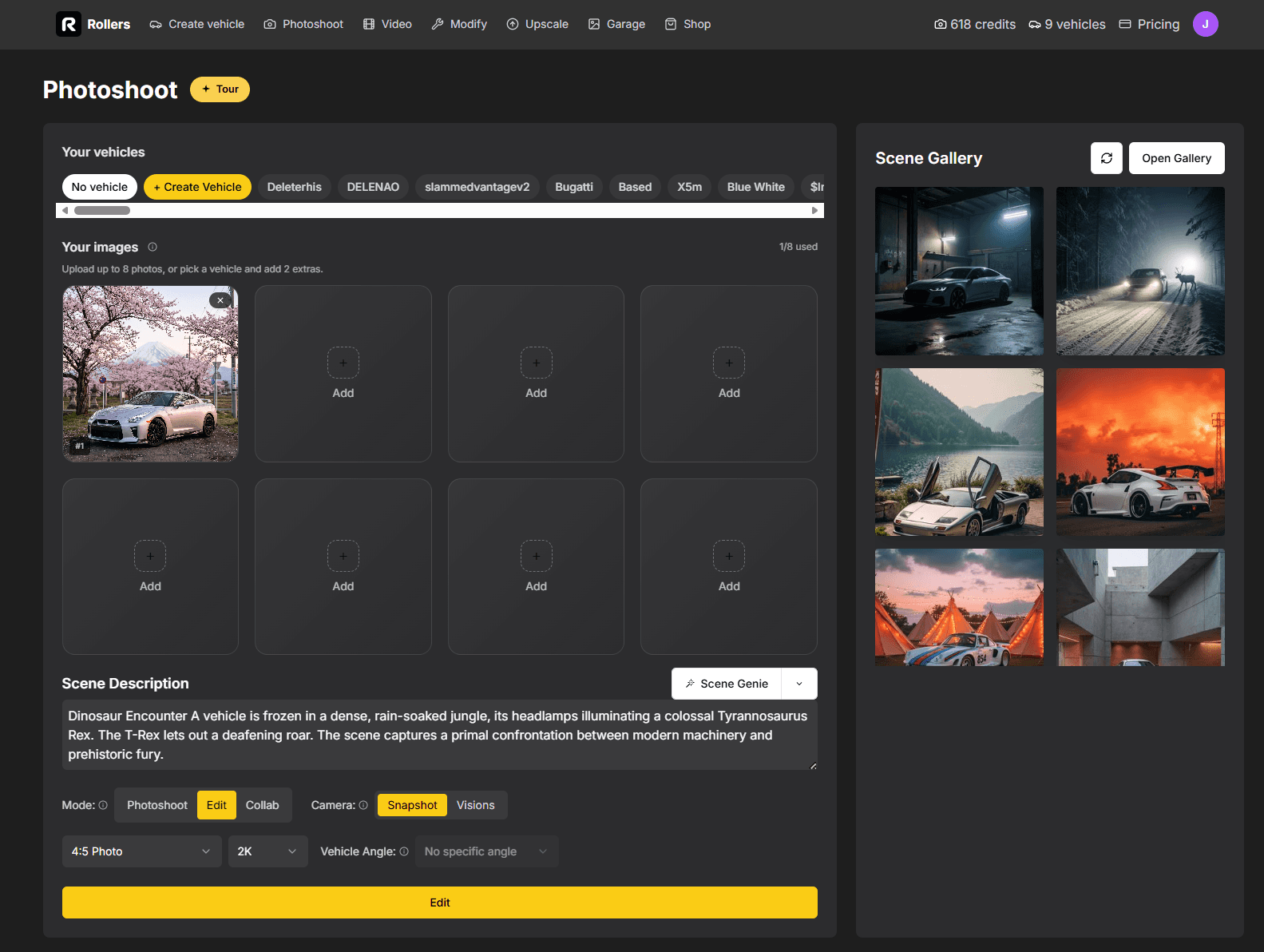
Twenty templates that stop your car at the worst possible second, with every fragment left hanging in mid-air.
Start in Photoshoot mode — on the web, or in the iOS and Android apps. All three work the same way from here, so use whichever you have to hand.
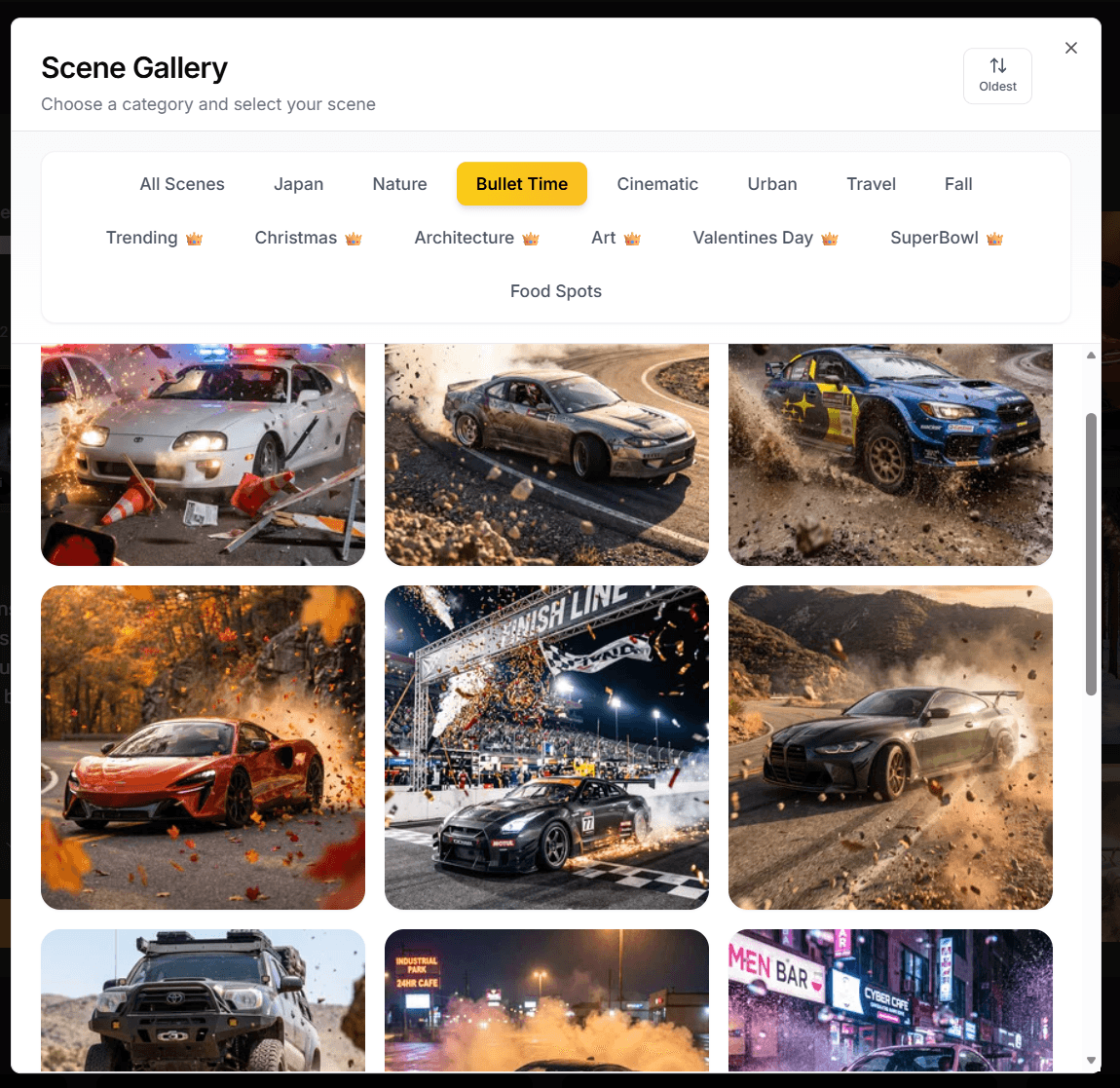
Open the template gallery and filter to the Bullet Time category. Twenty scenes — drifts, impacts, runway flybys, even birthday burnouts — each catching your car at the exact instant something explodes, splashes or shatters. No car model is baked into the prompts, so they work on whatever you drive.
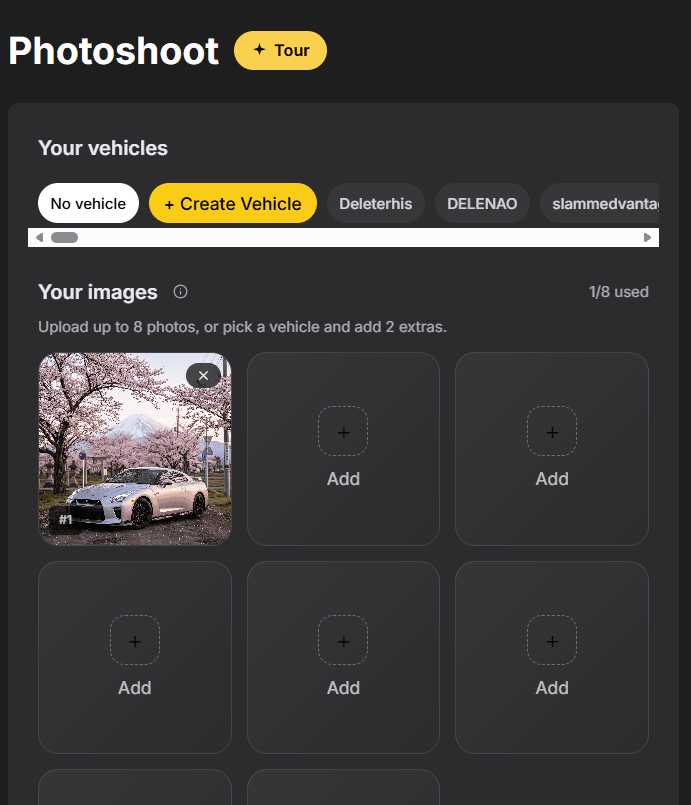
Upload a single photo with the whole car visible and well lit. A three-quarter or side-on shot works best — most Bullet Time scenes are built around a low, aggressive angle.
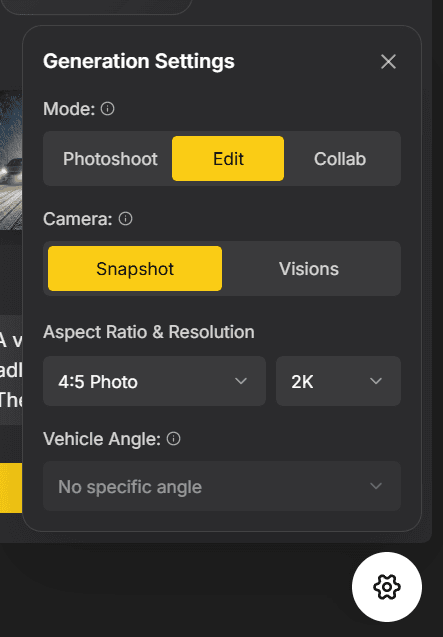
Bullet Time only comes out right on one specific set of settings. Get these three wrong and you get a flat, smeared frame with none of the suspended debris that makes the effect work.
Snapshot at 2K+ costs 3 credits instead of 1 — it saves you the upscale step and renders vehicle detail far better, which is exactly what this effect needs.
Set Mode to Edit, Camera to Snapshot and Res to 2K, then hit Generate. Run a few — the keepers have debris at several different distances from the lens, some of it right on the glass. That spread is what sells the depth.
Open Video mode and switch it to Director. Upload the bullet time image you just made — not your original car photo — then filter to the Bullet Time category, pick a camera move and generate. Shorter durations hold the freeze better.
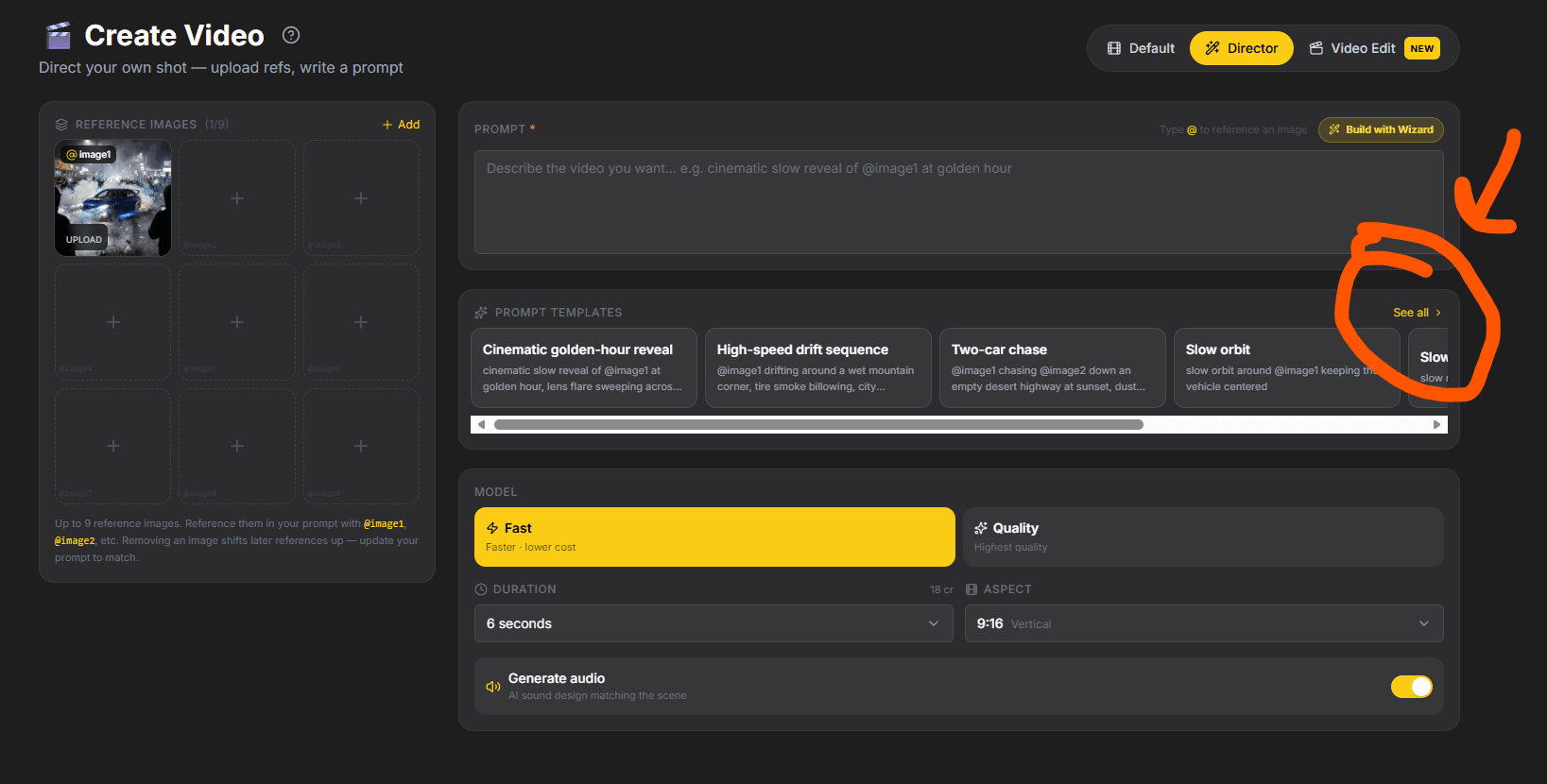
Pick a scene, upload one photo, generate.
All twenty Bullet Time prompts, in full, free to copy — every scene on this page with the exact text behind it. No car needed to read them, and no car needed to run them either.
Explore other ways to create with Rollers.