
Go to the Photoshoot Page
Open the Photoshoot page from the app or website (once logged in). This is your starting point for all scene-based shoots.
iOS App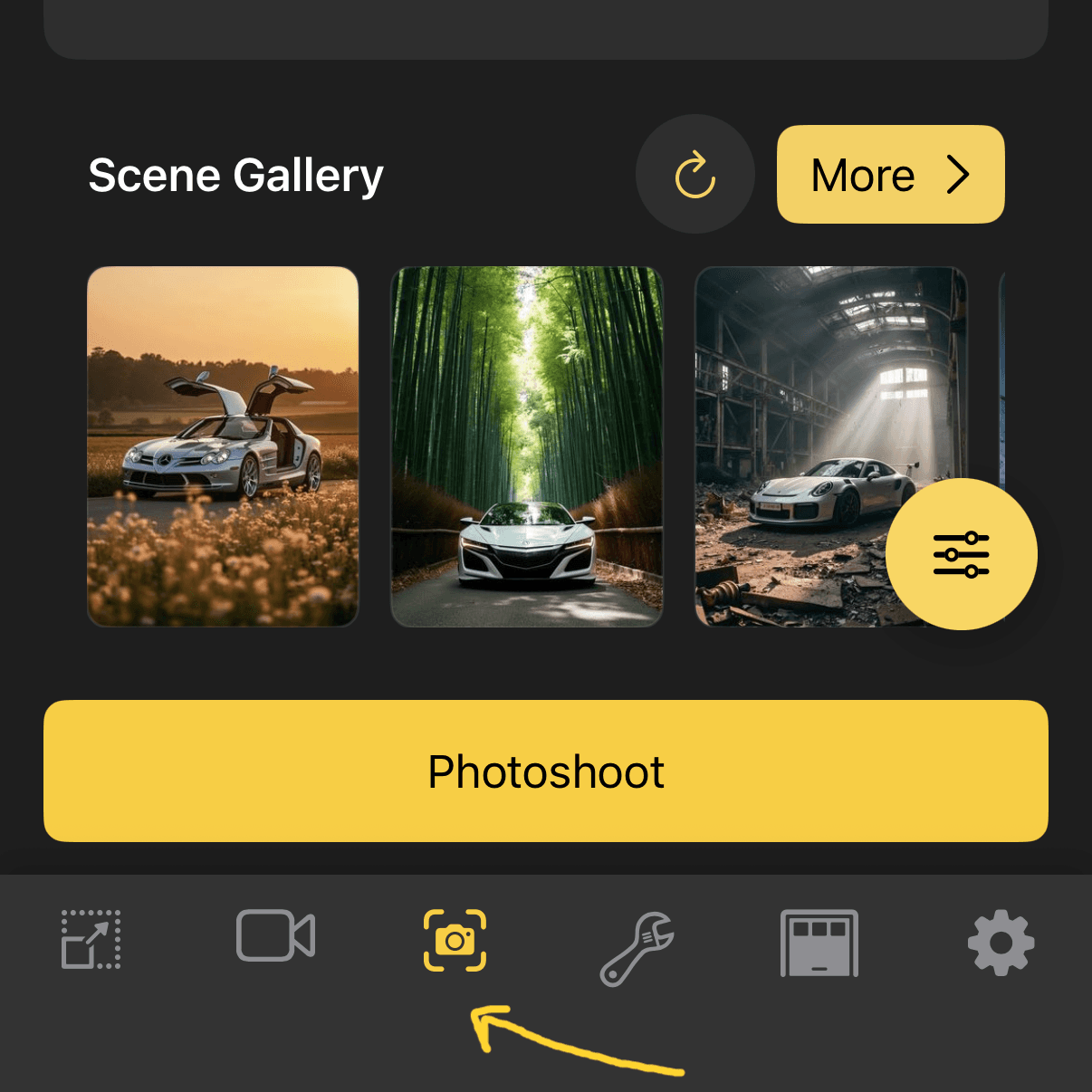
Web
Our landscape scene templates drop your car into the world's most stunning backdrops. Pick a scene, pick your vehicle, and photoshoot — no prompts needed.
Open the Photoshoot page from the app or website (once logged in). This is your starting point for all scene-based shoots.
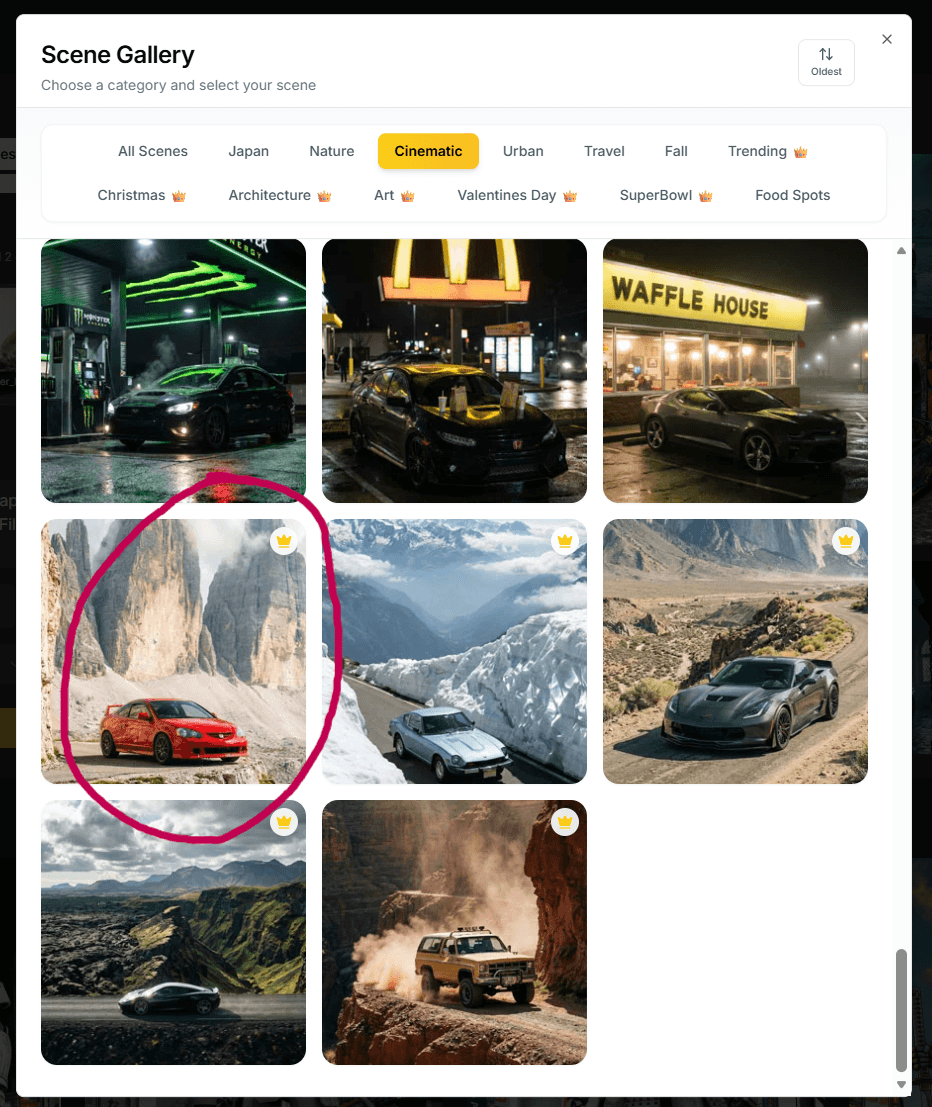
Tap or click on the Scene Gallery to browse all available scene templates. You'll find curated collections for every occasion.
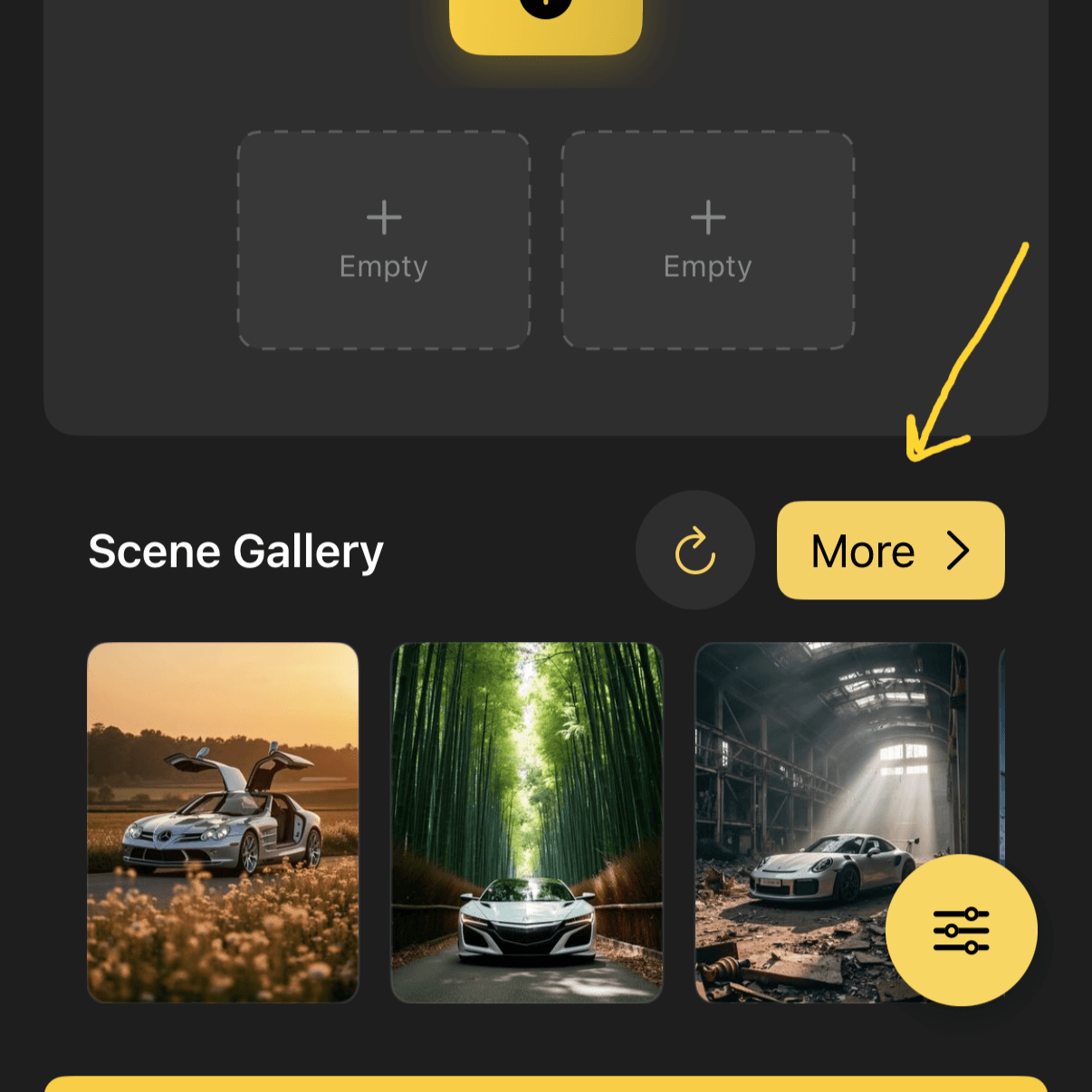
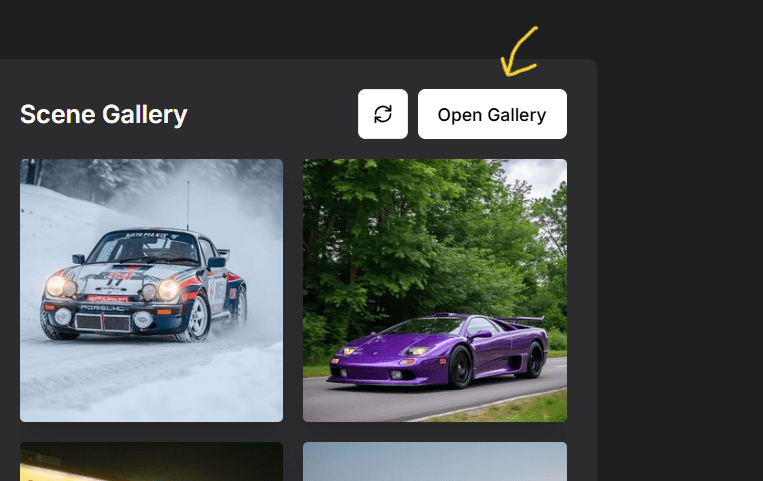
Navigate to the Cinematic section inside the gallery. All our epic, location-based scenes live here — mountain passes, coastal roads, desert highways, and more. They can also be found in the Nature section of the gallery.
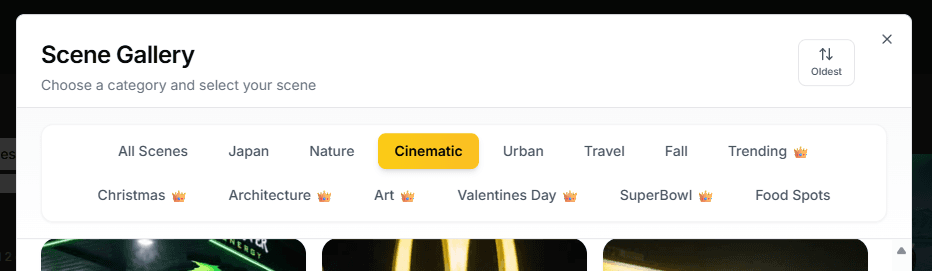
Browse the landscape scenes and tap the one that speaks to you. Each scene is a fully crafted template — no prompt writing required.
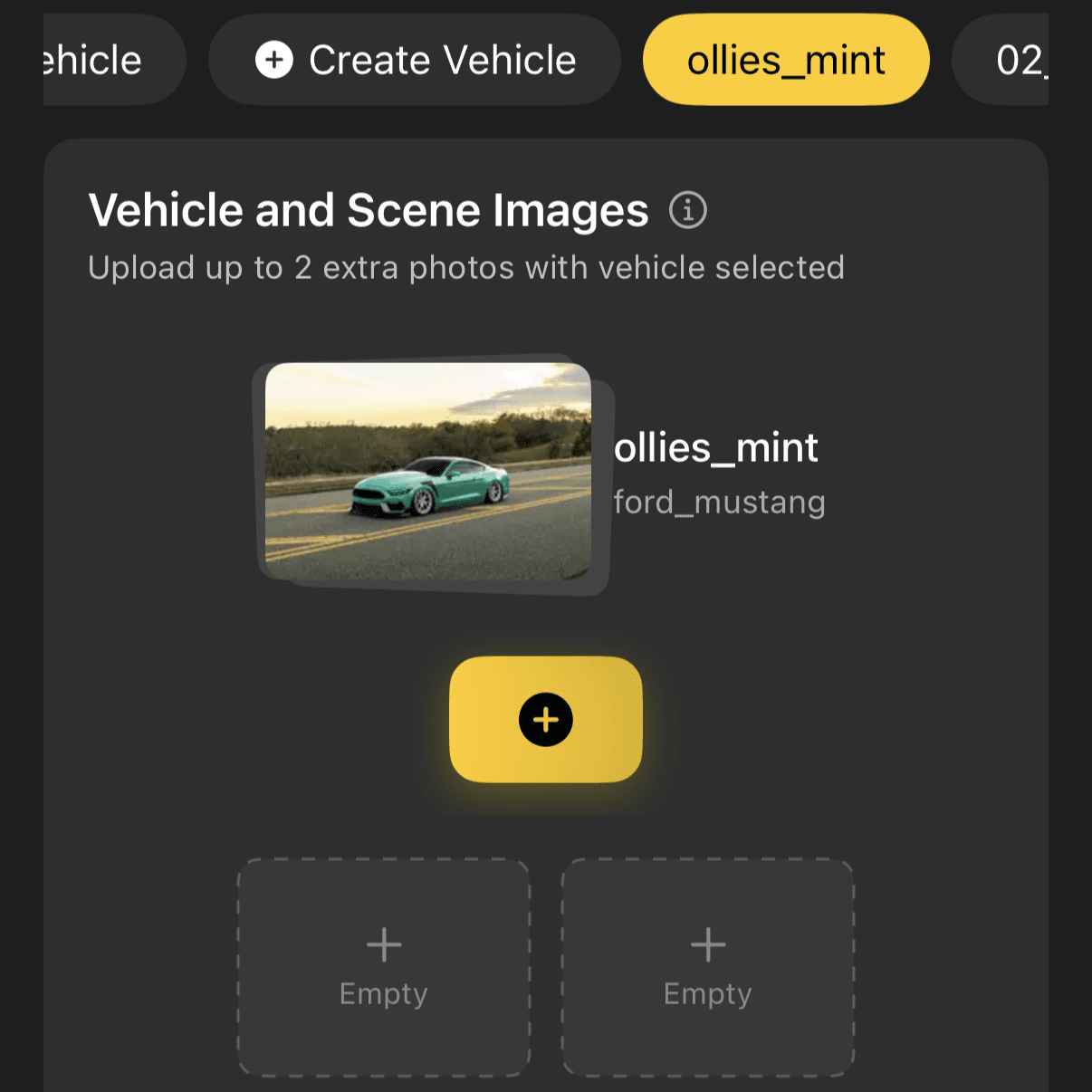
Choose the vehicle you want featured in the scene. Pick from your garage or upload a new one.
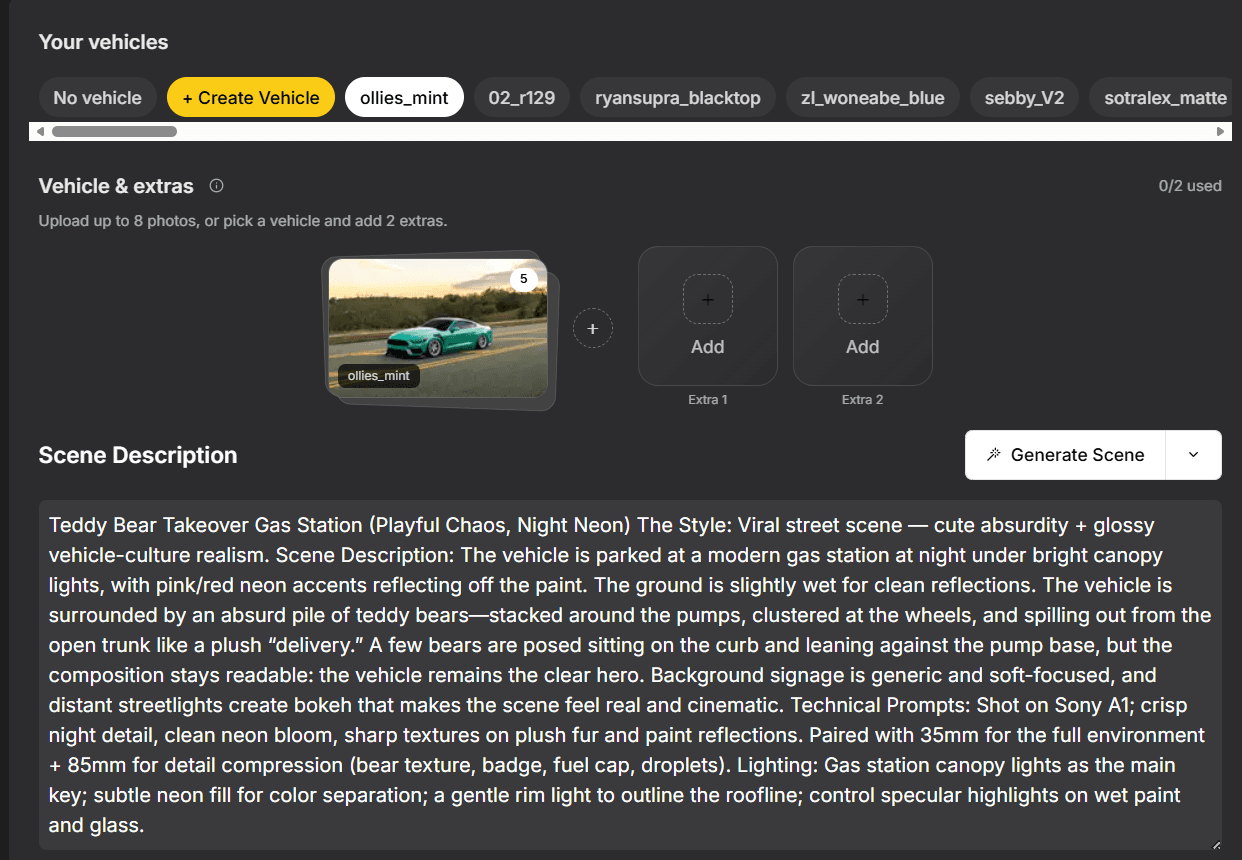
Hit Photoshoot and watch the magic happen. Your vehicle gets placed into a breathtaking landscape — ready to share, post, or save.
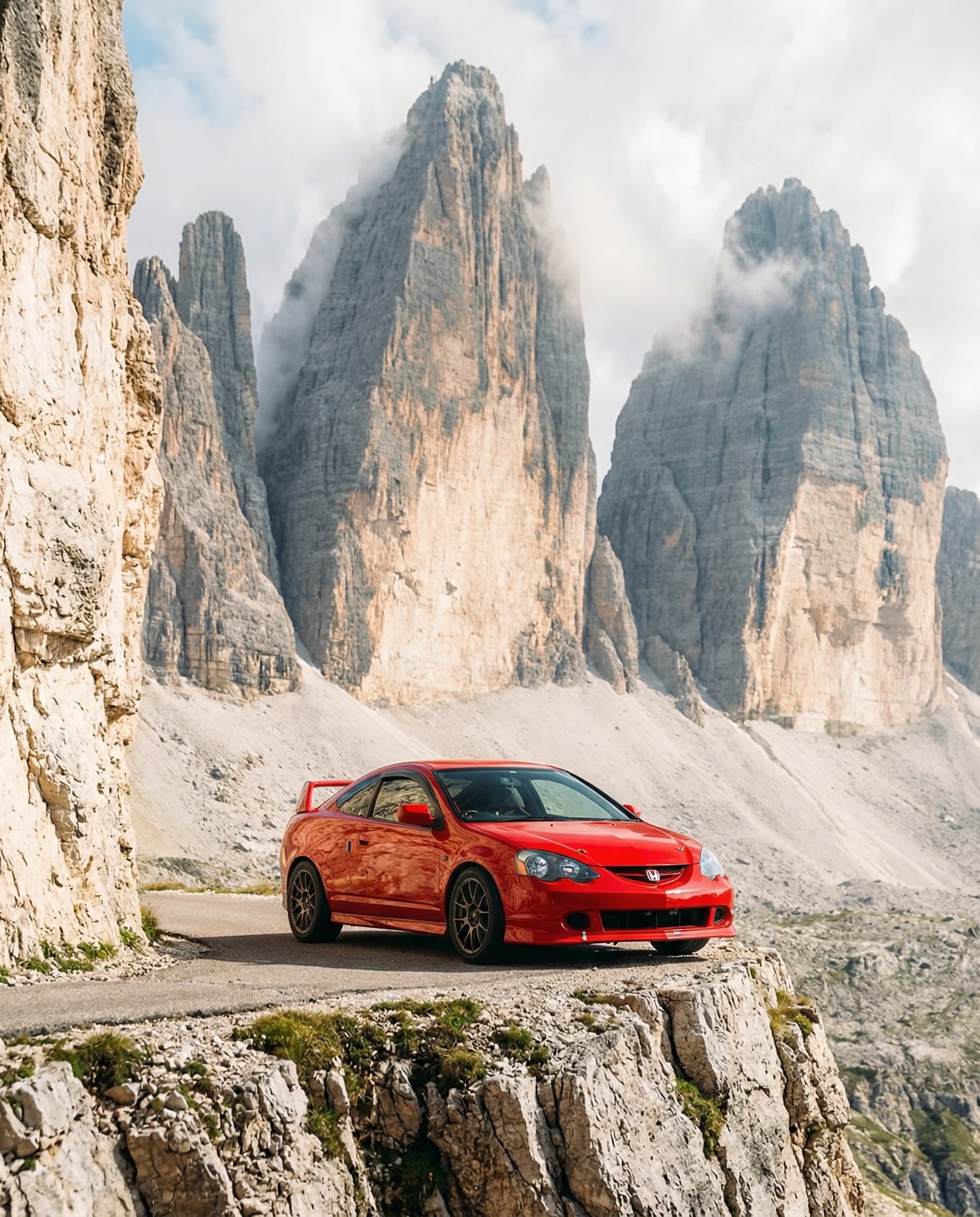
No prompts to write, no settings to tweak. Just pick a landscape and photoshoot.
Explore other ways to create with Rollers.