
Open the Photoshoot Page
Open the Photoshoot page from the app or website (once logged in). This is your starting point for all AI-powered vehicle shoots.
iOS App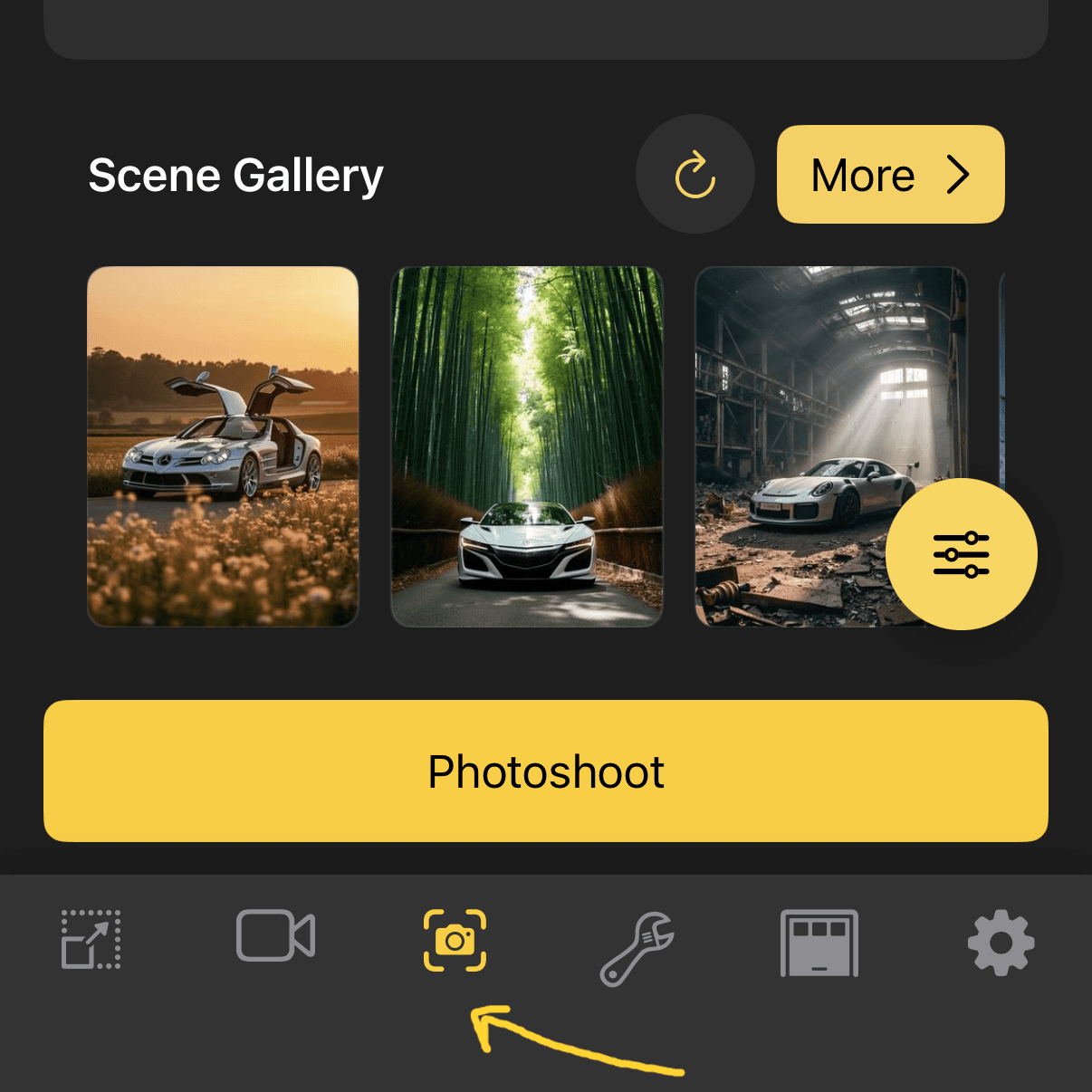
Web
Our Collab mode lets you combine two vehicles in a single AI-generated photoshoot. Pick your cars, choose a location, and create — no prompts needed.
Open the Photoshoot page from the app or website (once logged in). This is your starting point for all AI-powered vehicle shoots.
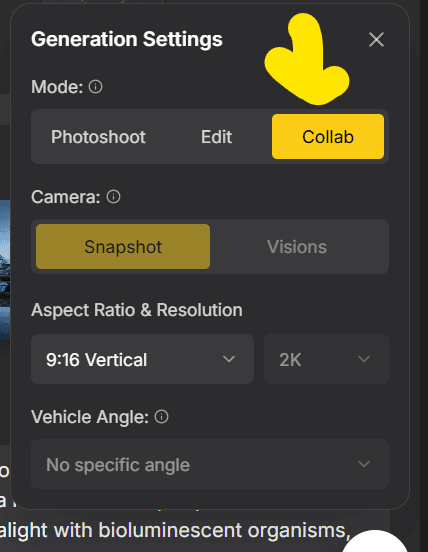
Change the photoshoot mode to Collab. This unlocks the ability to feature two vehicles in a single scene — perfect for meetups, his & hers shots, or dream-garage pairings.
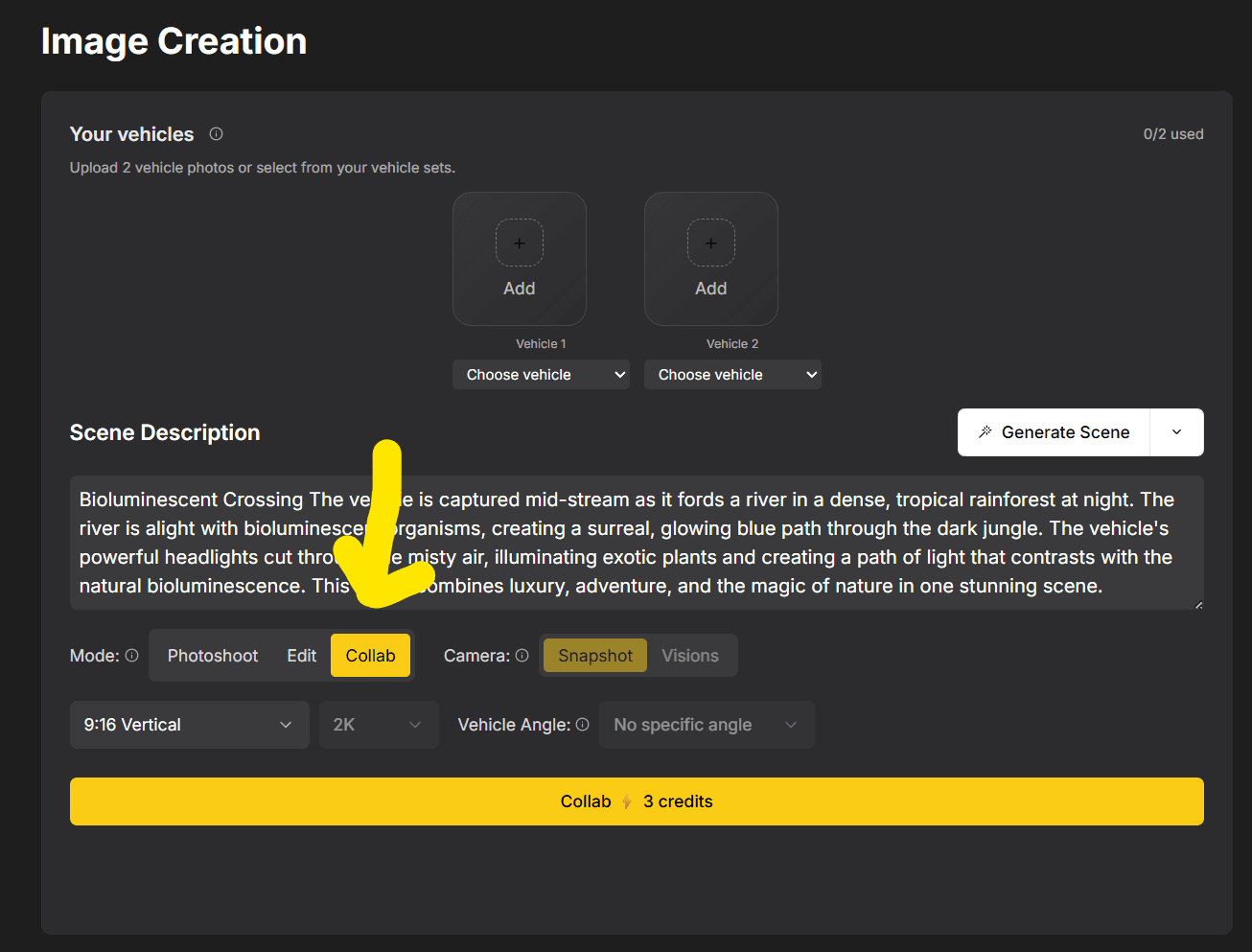
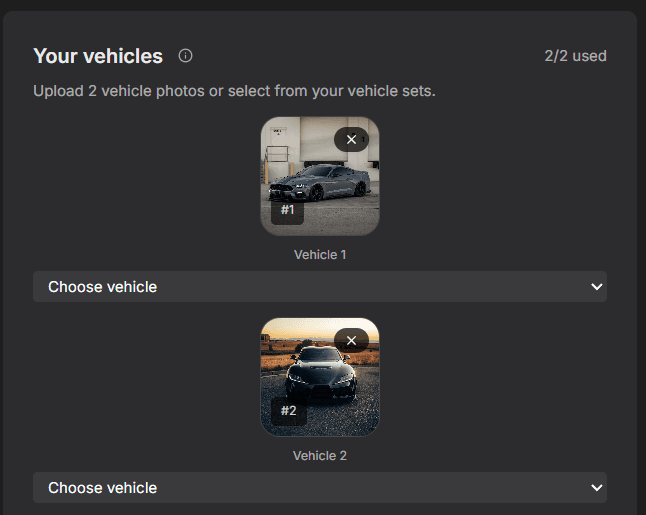
Choose your primary vehicle and the vehicle you want to collab with. Pick from your garage or upload new ones — any combination works.
Browse and select a location for your dual-car scene. From city streets to mountain overlooks, scenic coastlines to neon-lit garages — set the stage for your collab.
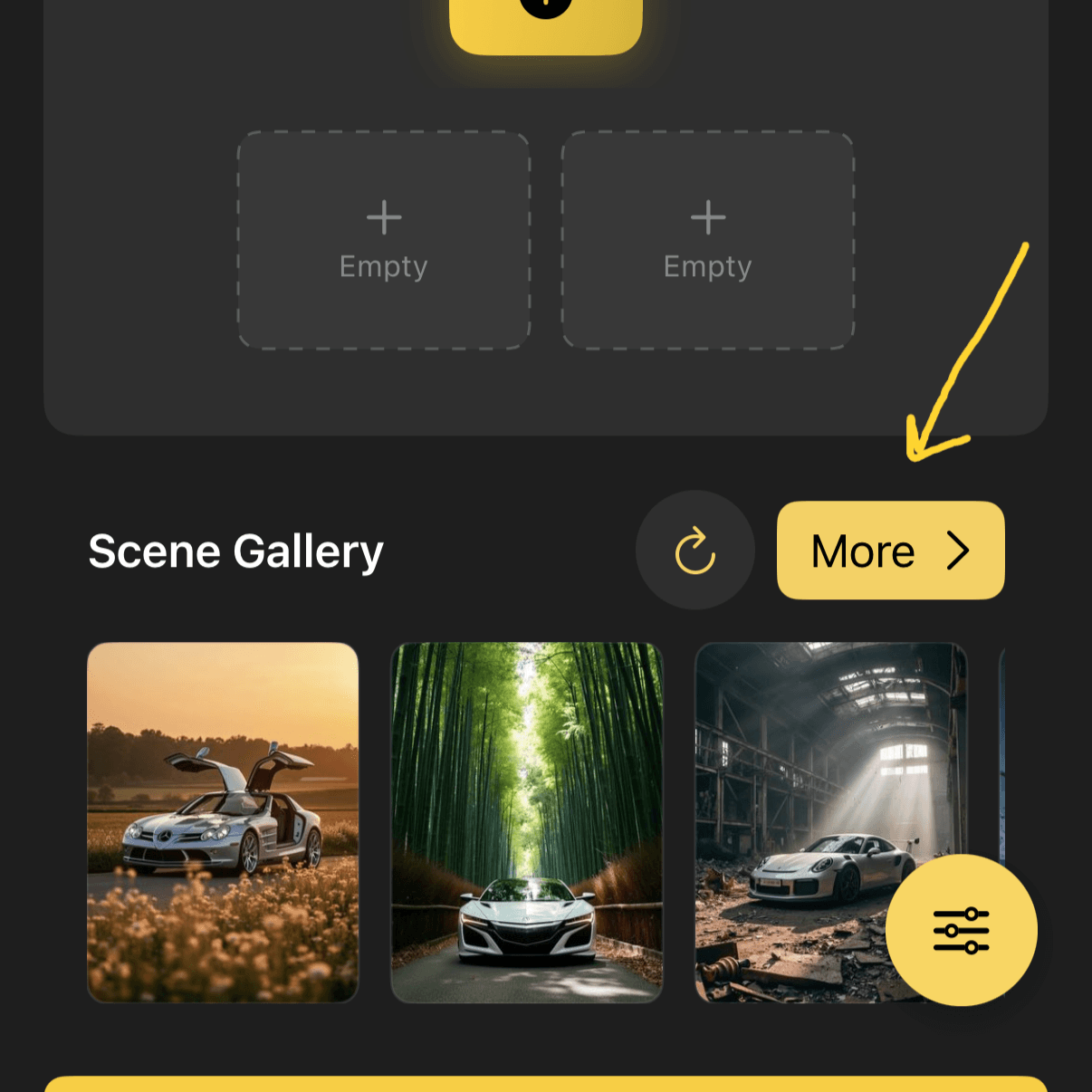
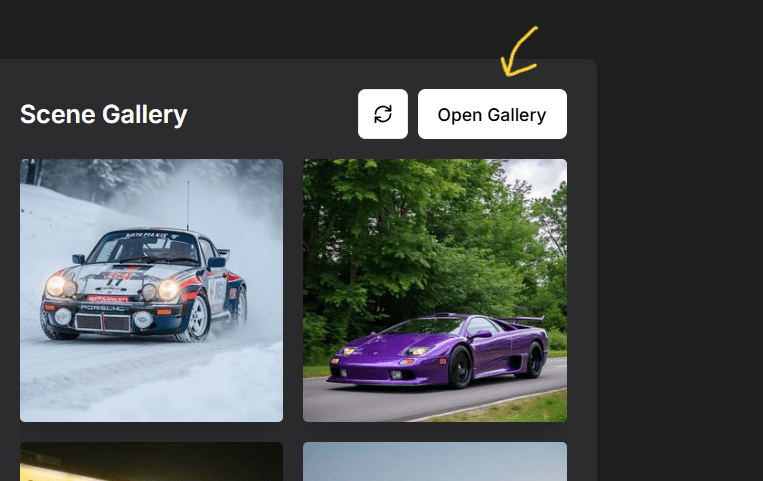
Hit Collab and watch the magic happen. Both vehicles are composed into a single stunning scene — ready to share, post, or save.
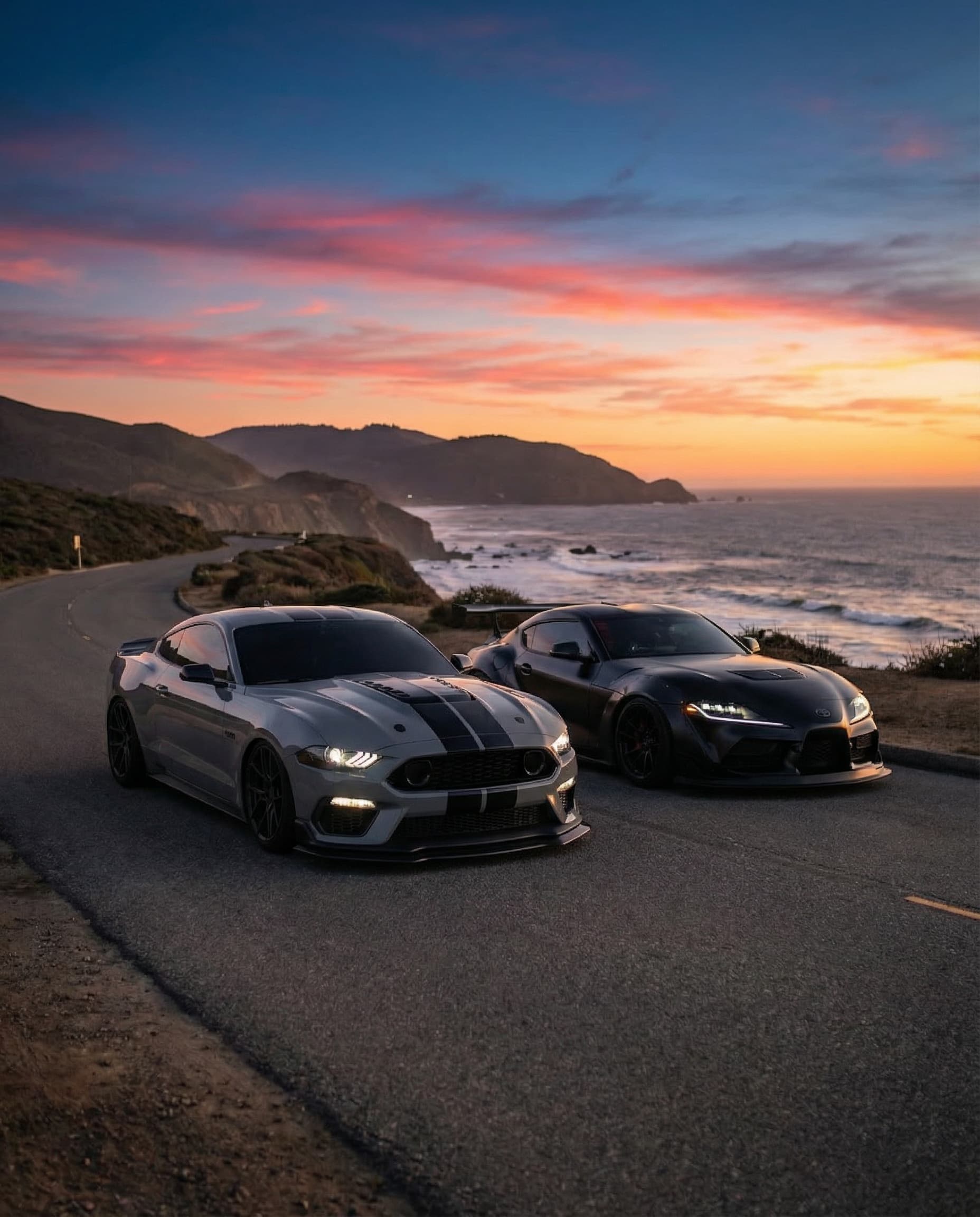
Pick two vehicles, choose a location, and let AI handle the rest.
Explore other ways to create with Rollers.